How it works
From first message to paying client, in six steps.
Tracker follows the way outreach already works. You keep sending from your own accounts. Tracker keeps the record and tells you what to do next.
Create your workspace
Sign up with your email or your Google account. You get a private workspace with lead stages, CRM stages, channels and daily targets already set up. Change any of them later in Settings.
- Email or Google sign-in
- Ready-made stages and channels
- Private from day one
Bring your leads in
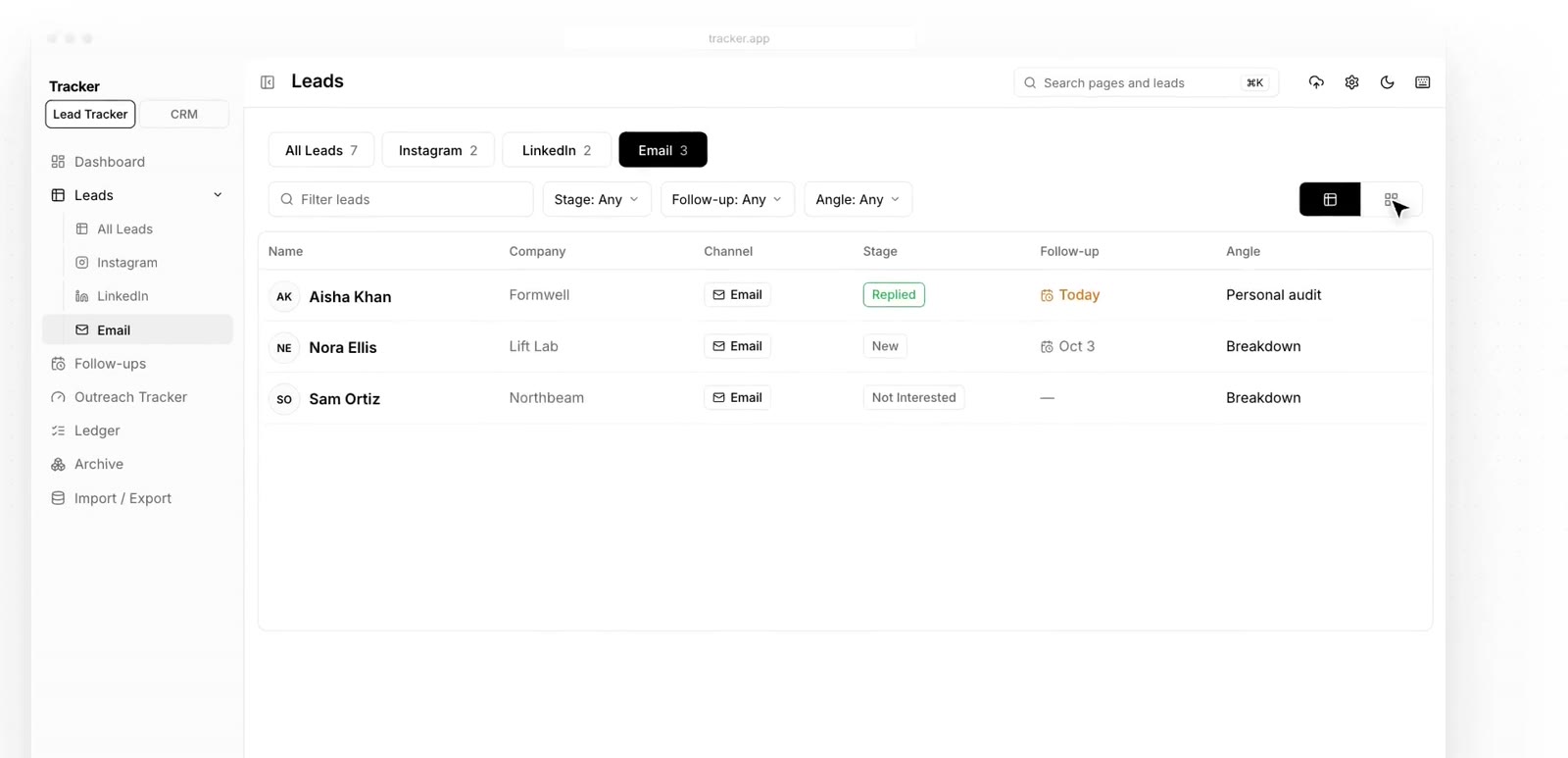
Start with what you have. Import your current spreadsheet from CSV or Excel, map the columns once, and every lead lands in the right field. After that, add new leads by pasting a profile link or with the browser clipper.
- CSV and Excel import with saved mappings
- Paste a LinkedIn, Instagram or website link
- Duplicate warnings before you add a lead twice
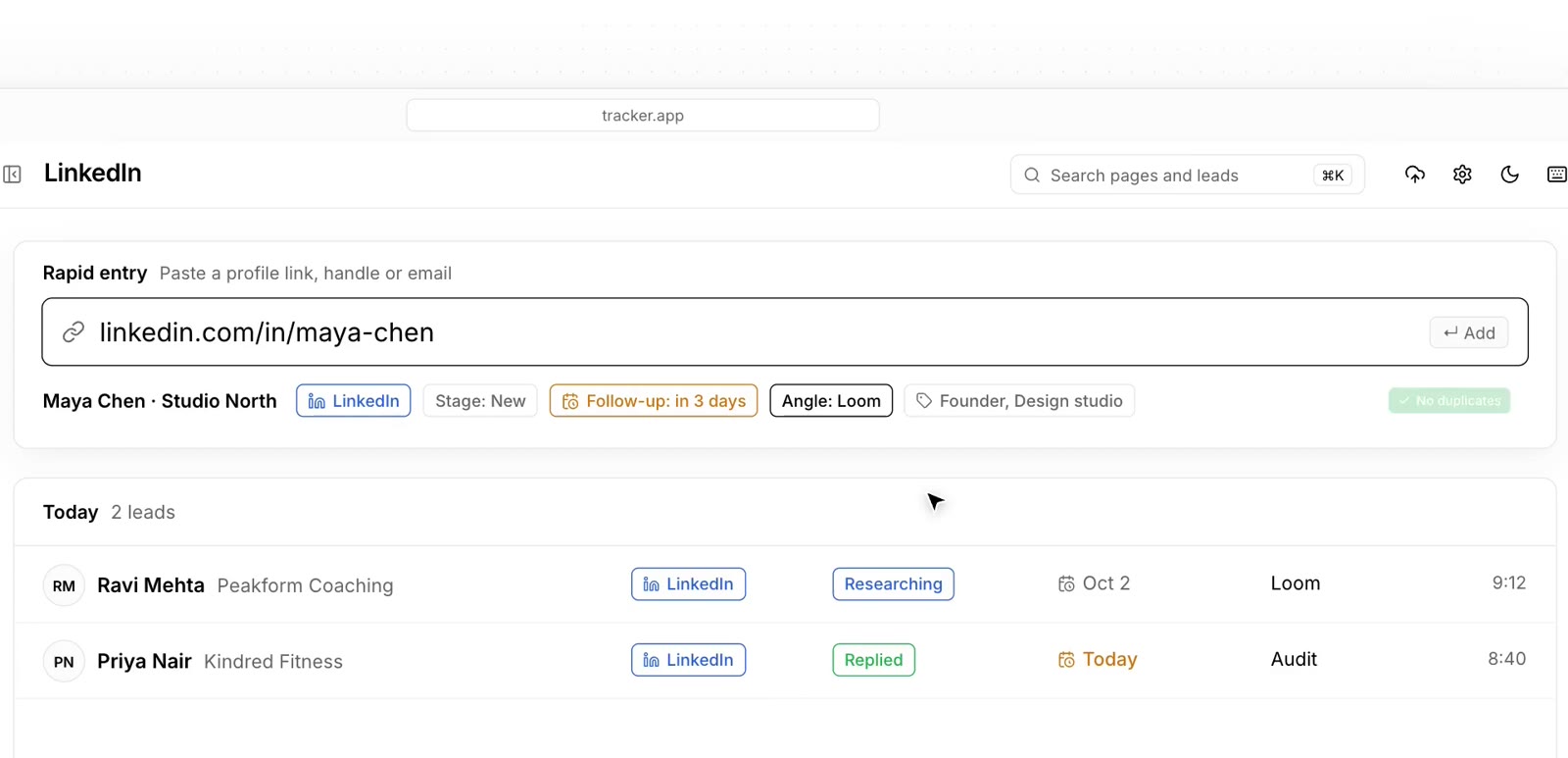
Send your outreach and log it
Send messages from your own inbox and accounts like you already do. Tick off each step in Tracker: sent, viewed, replied, Loom sent, call booked. Your daily target fills up as you go.
- Every touch saved to the lead's timeline
- Daily targets per channel
- Note the angle you used for each lead
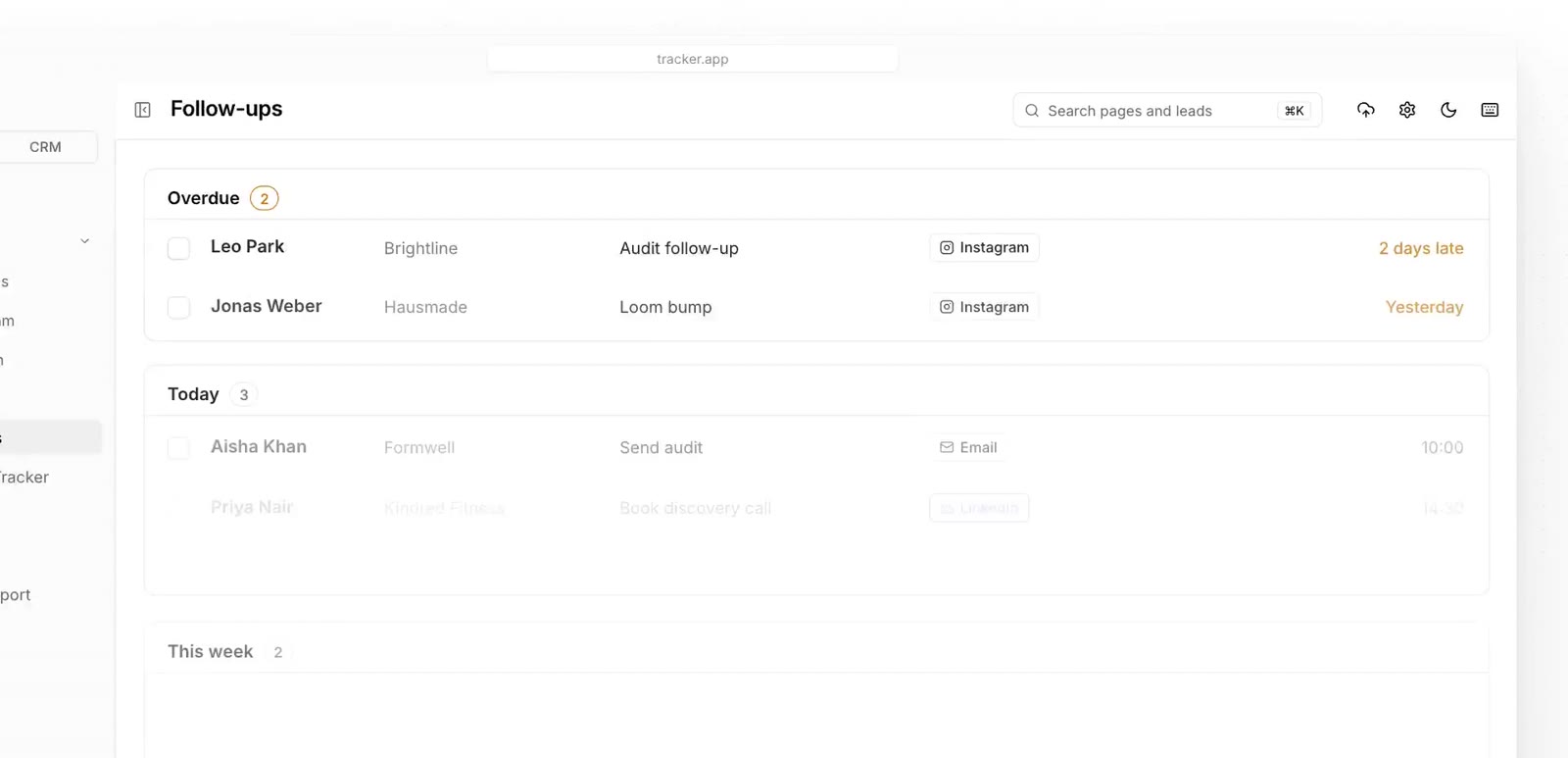
Follow up on time
Each lead gets a next follow-up date. Open the Follow-ups page and you see what is overdue, what is due today and what is coming this week. Apply a sequence template and the dates set themselves.
- Overdue, today and this week in one list
- Reusable follow-up sequences
- Nothing sits forgotten
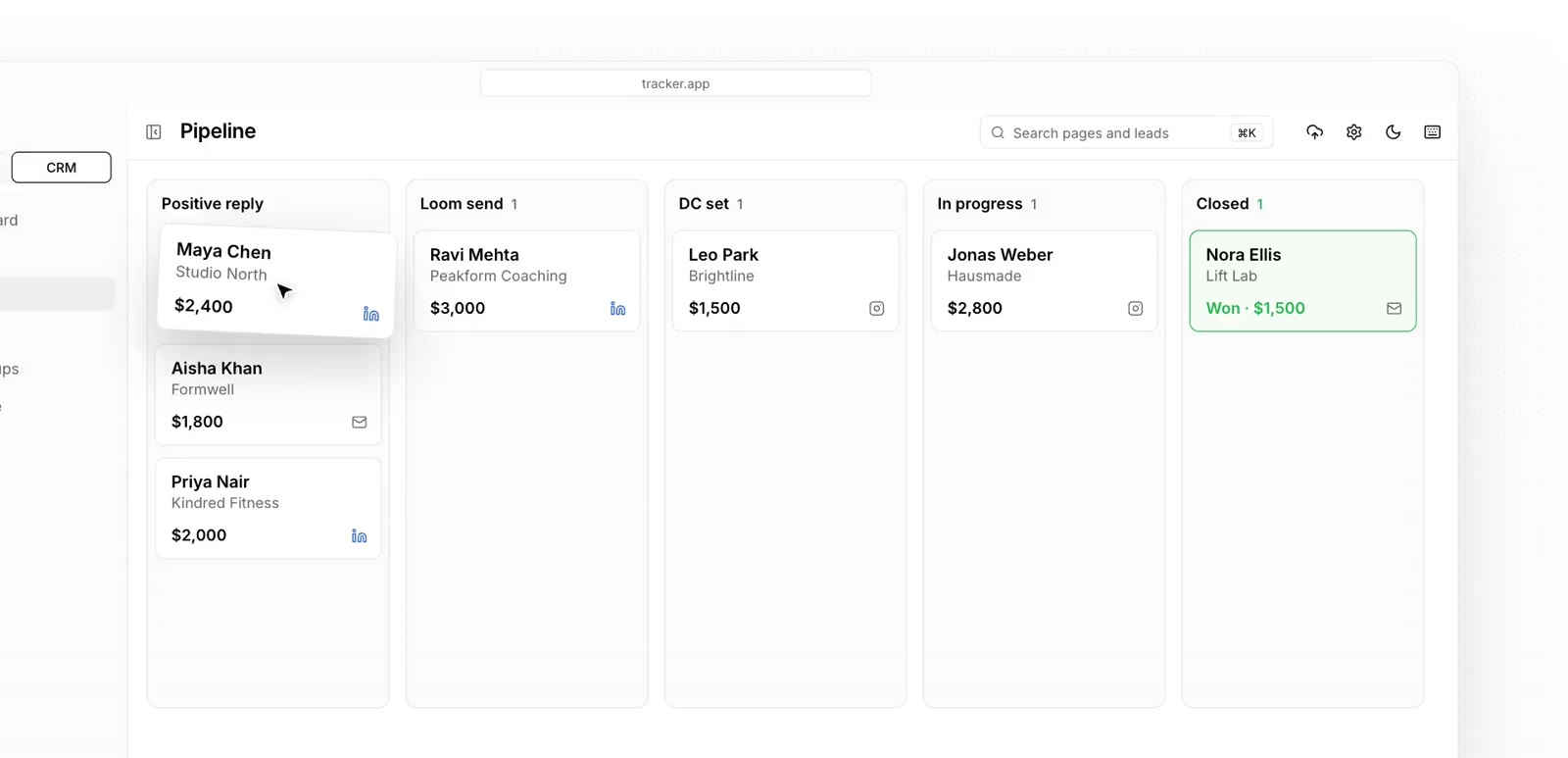
Move replies into your pipeline
When someone replies with interest, the lead moves into the CRM. Set the deal value, move it through your stages and log every call until it closes.
- Deal value, one-time or monthly
- Stages you name yourself
- Revenue won this month
Learn from your numbers
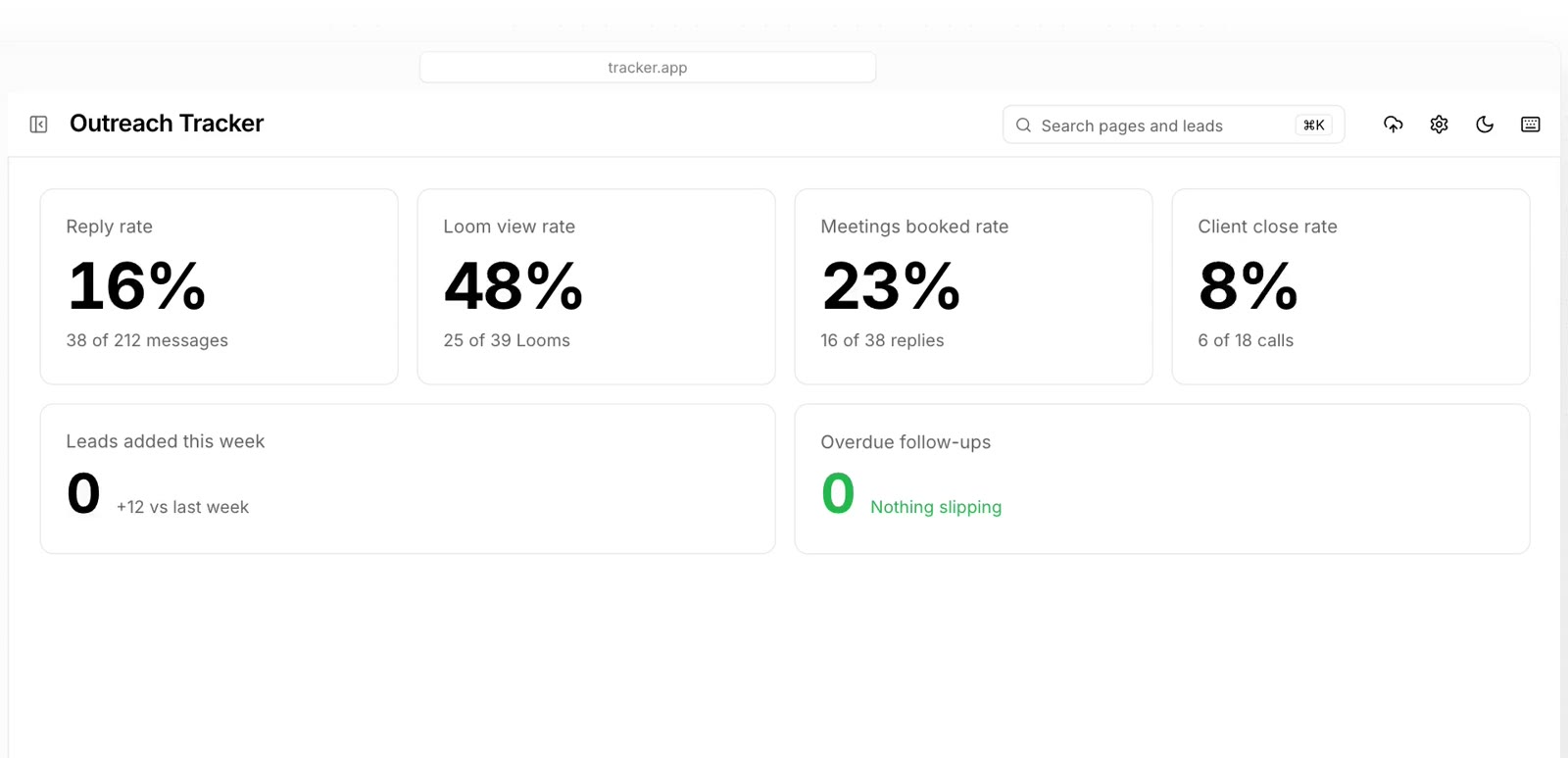
The Outreach Tracker turns your activity into rates: replies per message, Loom views, meetings booked and clients closed. Spend tomorrow on what worked today.
- Reply, Loom, meeting and close rates
- Leads added this week
- Overdue follow-ups at a glance
Ready to try it on your own leads?
Set up your workspace in a few minutes. Bring your current sheet with you.
Want to see it first? Book a 20-minute demo