Features
Everything you need to run cold outreach, without the spreadsheet.
From the moment you find a lead to the day they pay you, every step lives in Tracker.
Capture leads fast
The first job of a tracker is getting leads in without slowing you down.
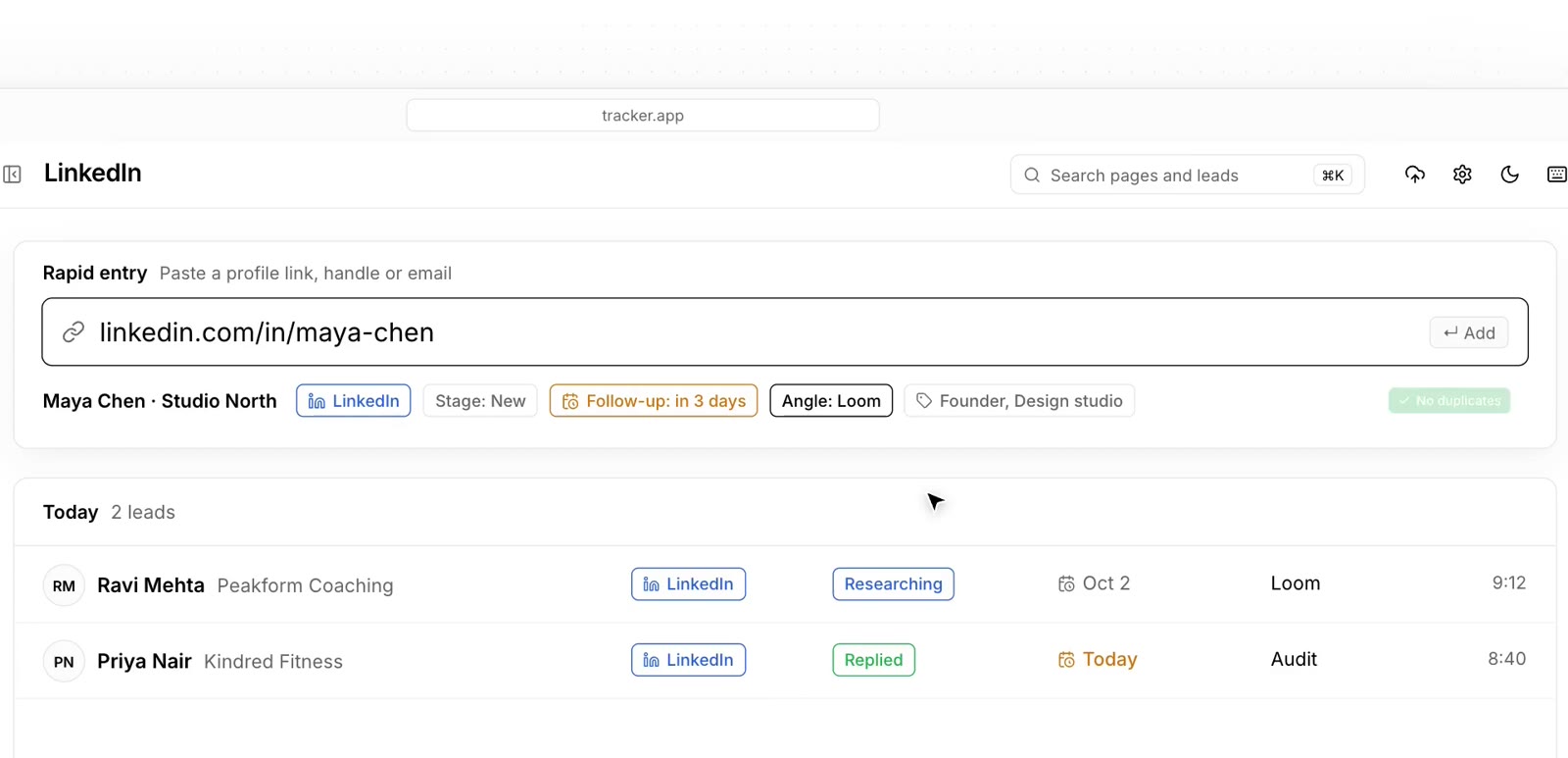
Rapid entry
A quick-add bar for when you are prospecting in bulk. Paste, tag, next.
Browser clipper
A one-click bookmark that saves the profile you are looking at as a lead.
Clean links
Tracking junk gets stripped from LinkedIn, Instagram and website links automatically.
Duplicate warnings
Tracker tells you when a lead is already in your list, before you message them twice.
Import from CSV or Excel
Bring your old spreadsheet. Map the columns once and save the mapping for next time.
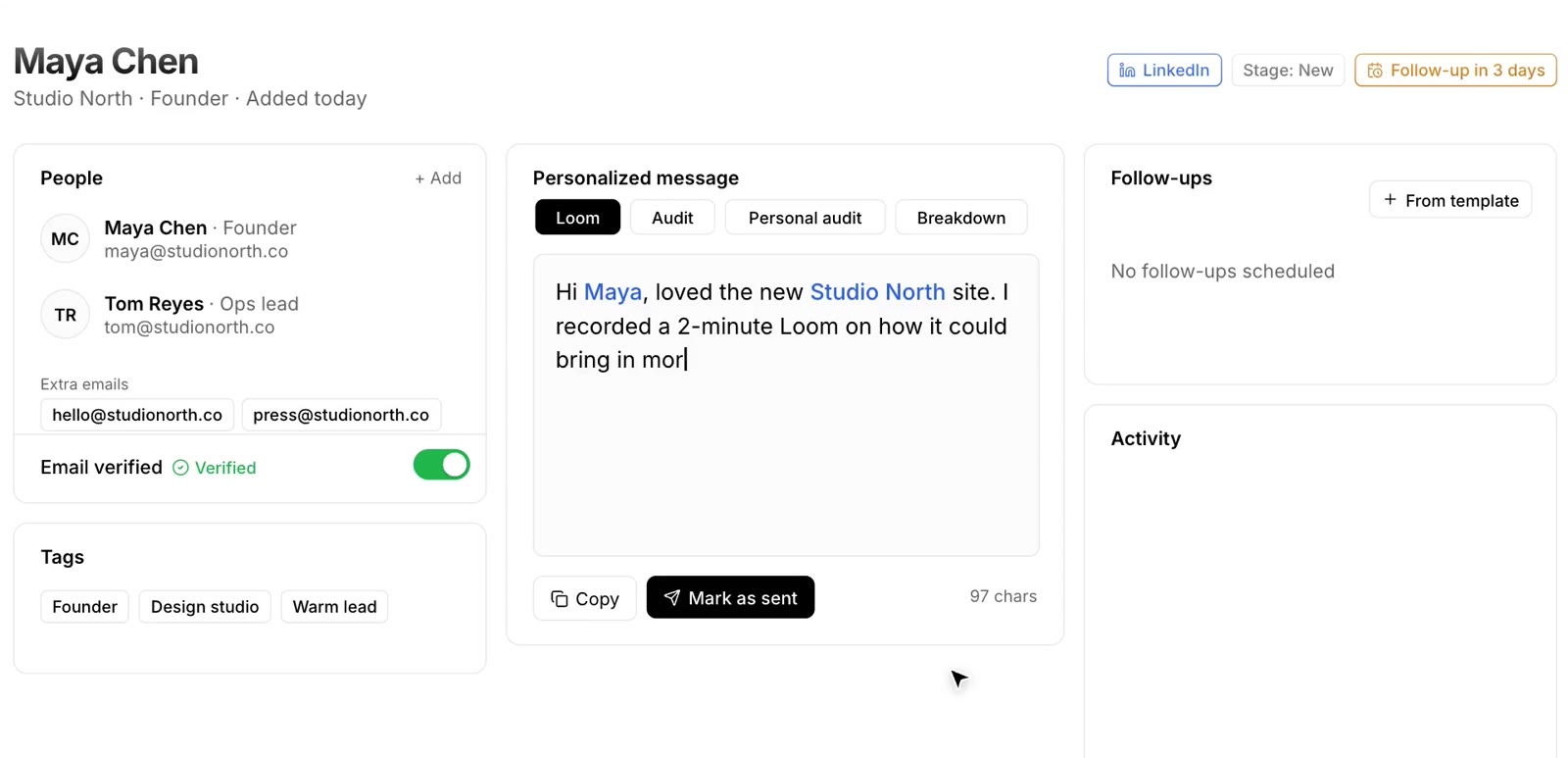
Multiple contacts per lead
Keep every person at a company, with their emails, role and profiles.
Run your outreach
Know who to message today and what you already sent.
Daily targets per channel
Email, LinkedIn and Instagram each get their own number. Progress updates as you work.
Every touch logged
Sent, viewed, replied, Loom sent, call booked. Each step lands in the lead's timeline.
Sender accounts and warm-up
Track which inbox or account you used, its daily limit and when it is ready to send.
Personal message notes
Write the angle you used for each lead, so the follow-up matches the first message.
Outreach gap
See how long it has been since you last touched a lead.
Tasks and to-dos
Attach a task to a lead with a due date and an owner.
Never miss a follow-up
Most deals come from the follow-up. Tracker makes sure it happens.
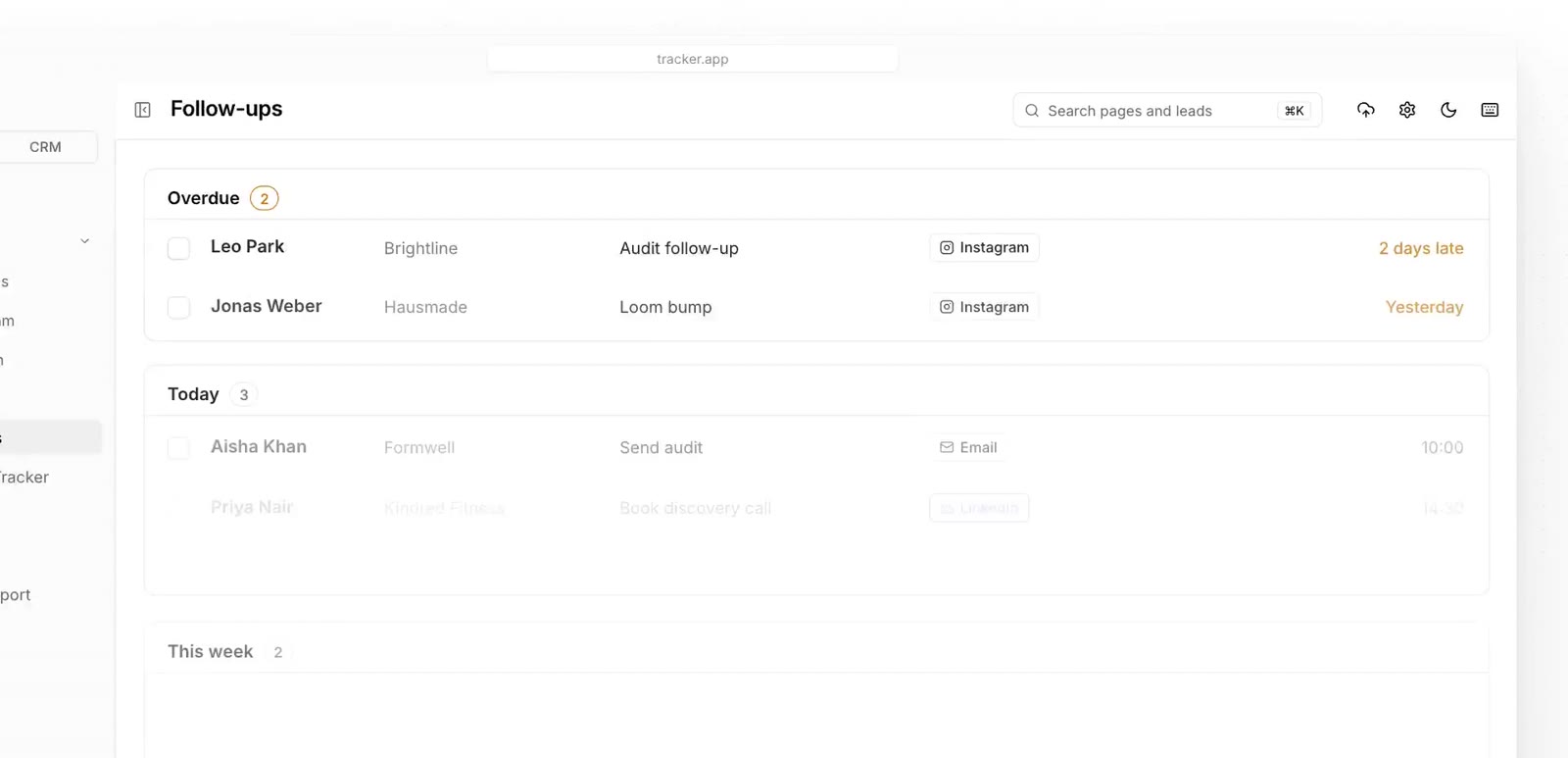
Follow-up queue
One list of every follow-up due today and coming up.
Sequence templates
Set your sequence once (day 3, day 7, day 14) and apply it to any lead.
Next follow-up date
Each lead shows its next follow-up, so nothing sits forgotten.
Close the deal
Leads become clients in a separate, simple CRM.
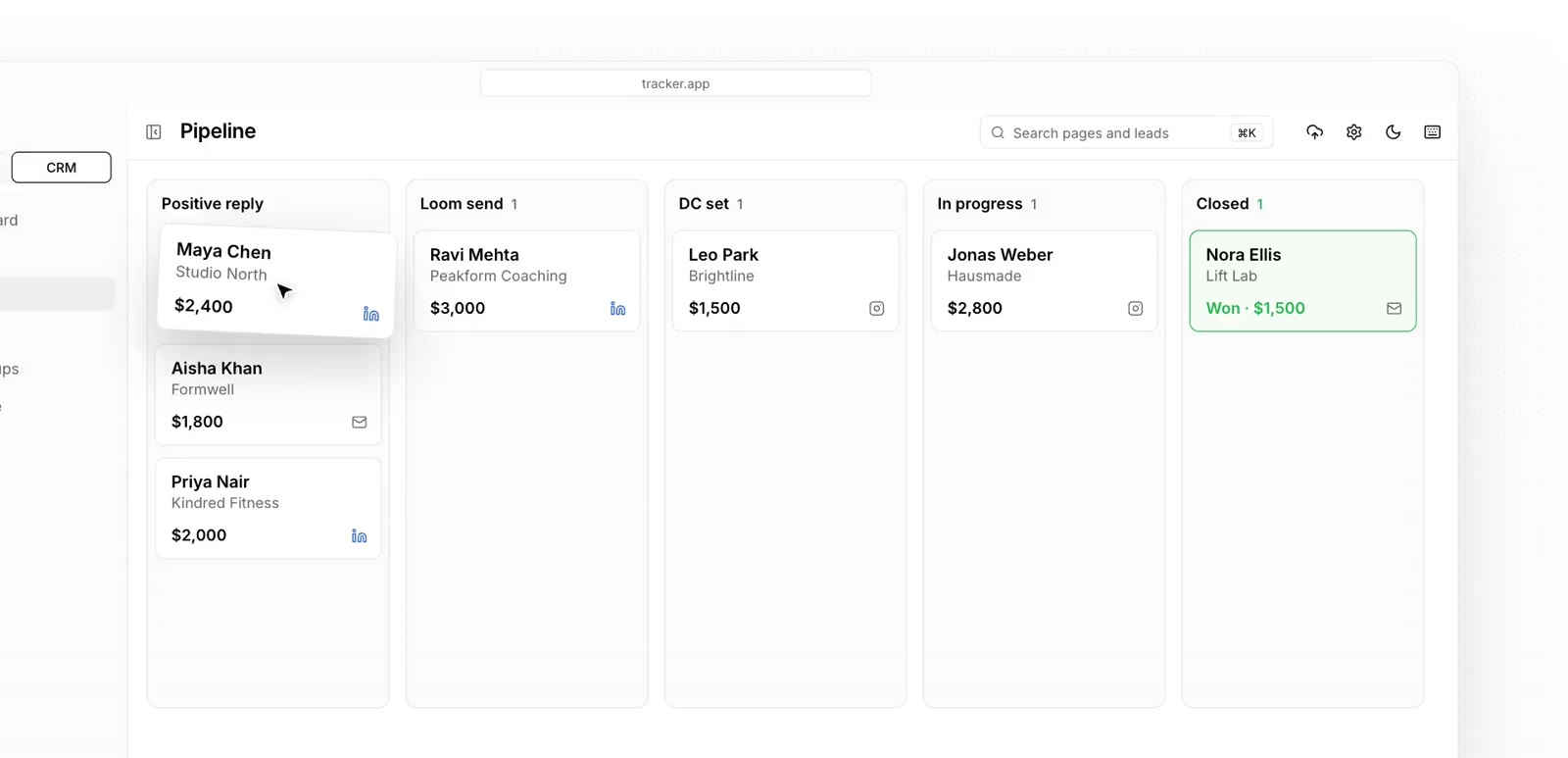
CRM pipeline
Move deals through your stages, from new reply to won.
Deal value and retainers
Track one-time deals and monthly retainers, with probability per stage.
Revenue view
Pipeline value, weighted pipeline, won this month and current monthly revenue.
Contact log
Every call and message with a deal, in order.
See what is working
Numbers that tell you where to spend tomorrow.
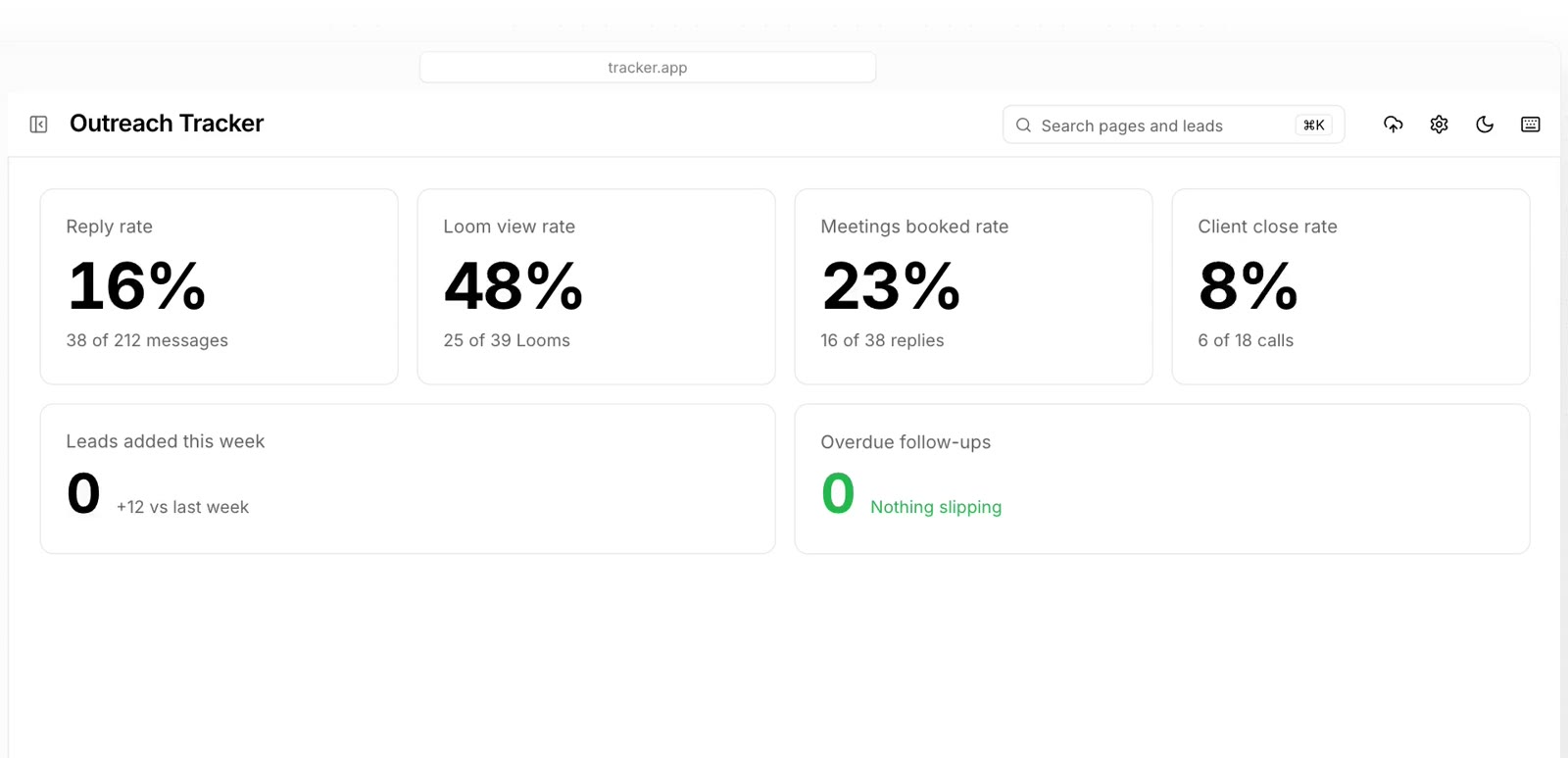
Dashboard
Leads added, messages sent and replies at a glance.
Activity history
A full timeline of what happened, by lead and across the workspace.
Filters and groups
Slice your list by stage, channel, country, tag or date.
Work as a team
Share the work without sharing a messy sheet.
Workspaces
Each workspace is private. Keep separate ones for different offers or channels.
Invite by link
Send a link, they sign in with email or Google, and they are in.
Roles and permissions
Owner, admin or member, plus page-by-page access. Save permission presets for new hires.
Fully customizable
Your stages, your channels, your targets. Change them any time in Settings, and every teammate sees the same setup.
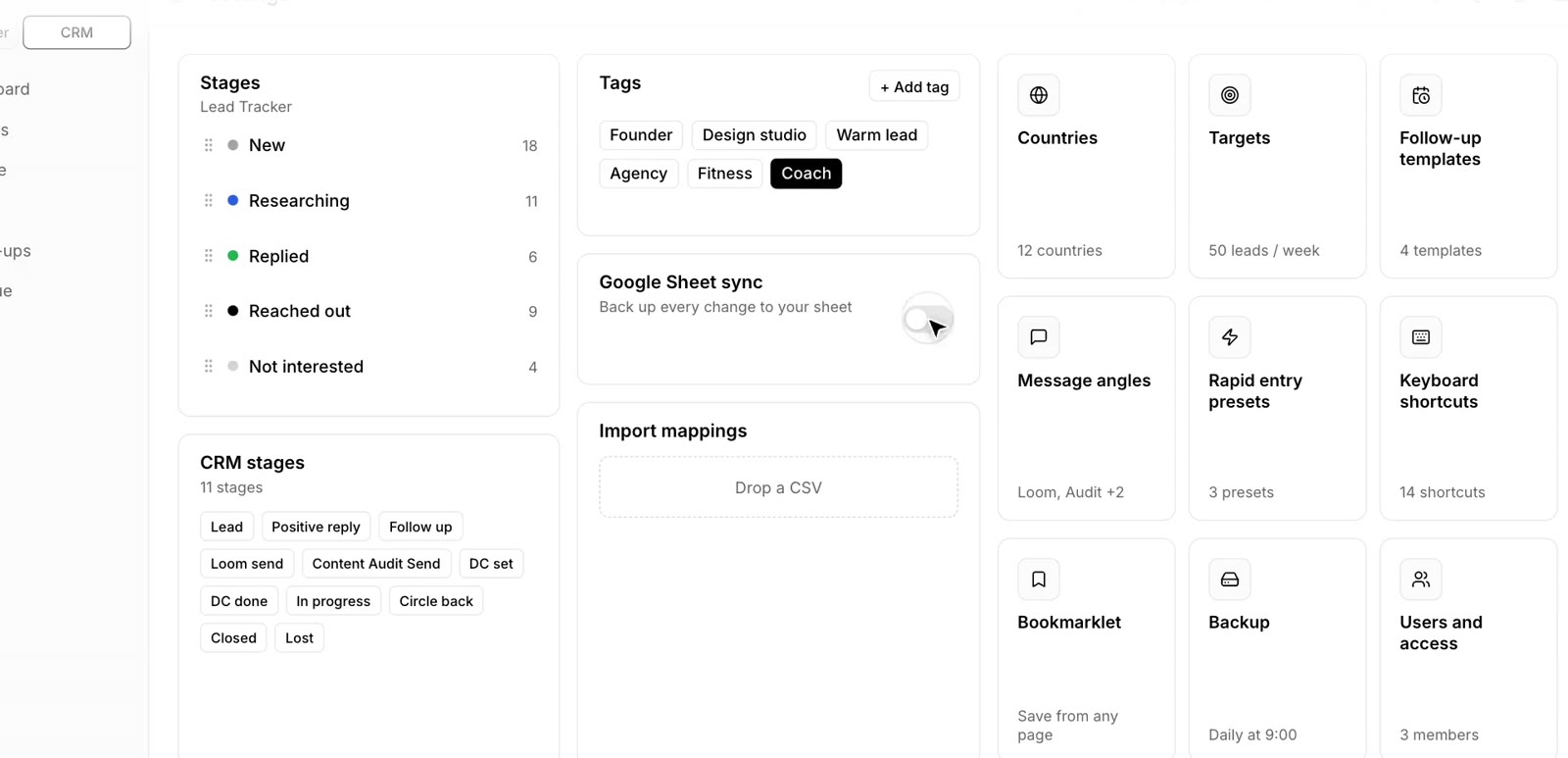
Stages
Rename, reorder and color your lead and CRM stages. Mark which ones count as a reply, a win or a loss.
Channels
Email, LinkedIn, Instagram, or add your own.
Sender accounts
Add every inbox and profile you send from.
Daily targets
Set the number per channel that fits your week.
Tags
Create your own tags and colors for niches, offers or lead quality.
Countries
Keep the list to the markets you sell in.
Message angles
Save the angles you use (Loom, audit, breakdown) and pick one per lead.
Follow-up templates
Build your own follow-up sequences.
Import mappings
Save how your spreadsheet columns map into Tracker.
Keyboard shortcuts
Move around the app without touching the mouse.
Light and dark mode
Work the way your eyes prefer.
Permission presets
Decide exactly what each teammate can see and do.
All of this, in one tab.
Create your workspace and bring your current spreadsheet with you.
Want to see it first? Book a 20-minute demo